
Everything You Need for Perfect Screenshots
Discover the comprehensive features that make WebsiteScreenshot.io the ultimate solution for capturing website screenshots.
Core Features
Essential capabilities that power our screenshot service
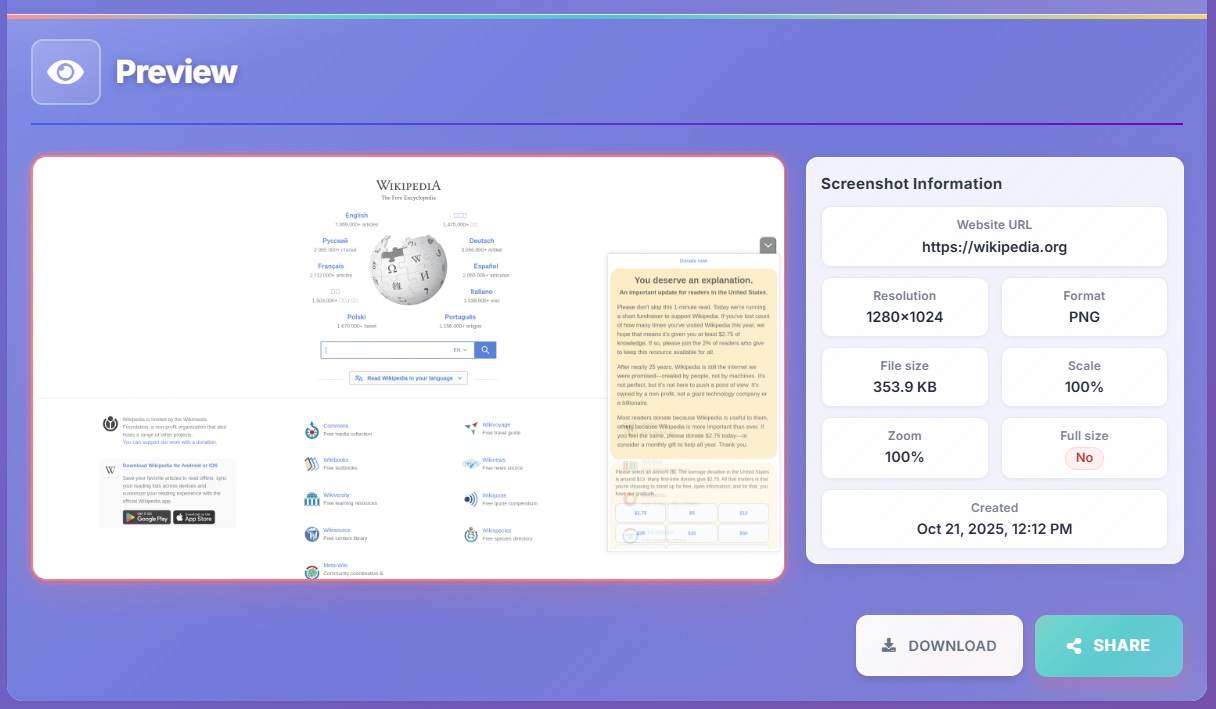
Frontend Screenshot Preview
Get a real-time preview of how your screenshots will look before capturing. Our intuitive interface allows you to adjust settings and see changes instantly, ensuring you get exactly what you need every time.
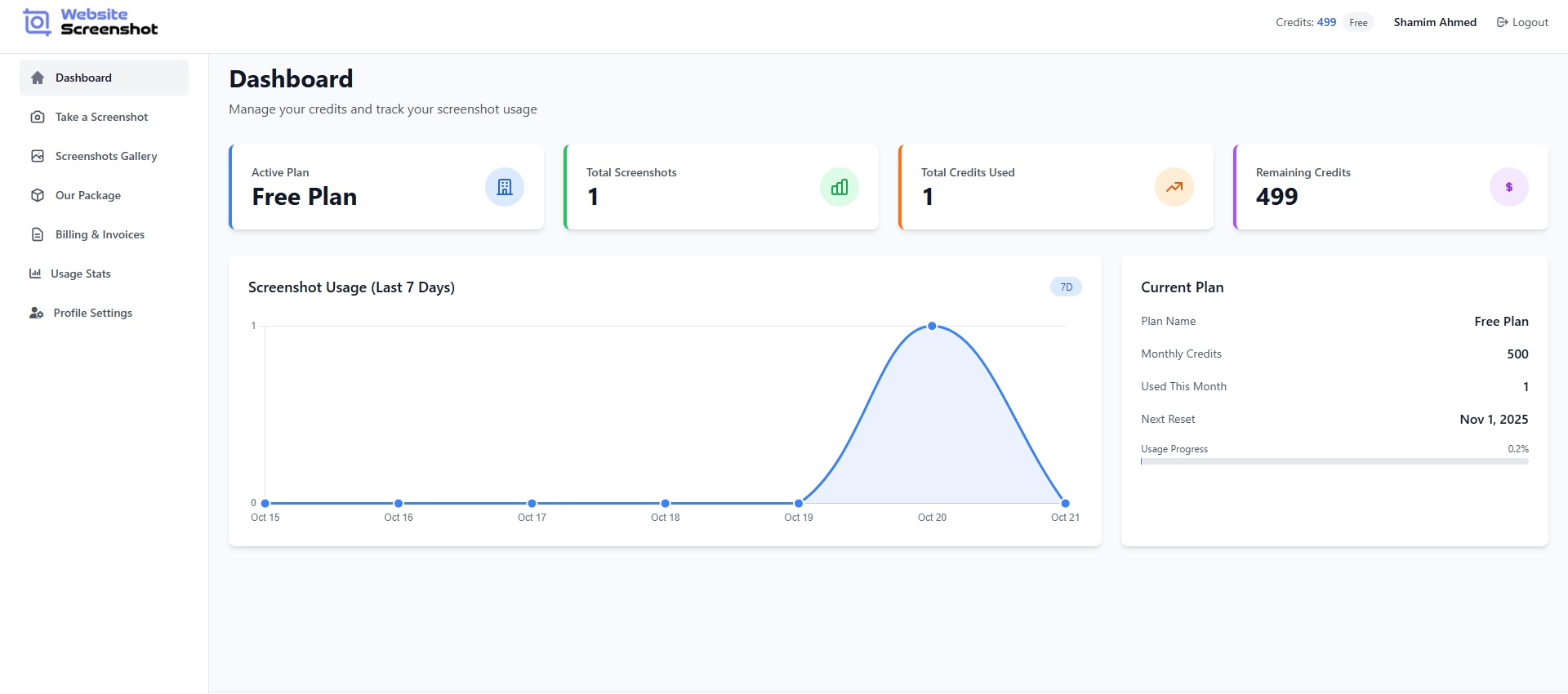
Comprehensive Dashboard
Manage all your screenshots from one centralized dashboard. Track usage, view history, and organize your captures with powerful filtering and sorting options.
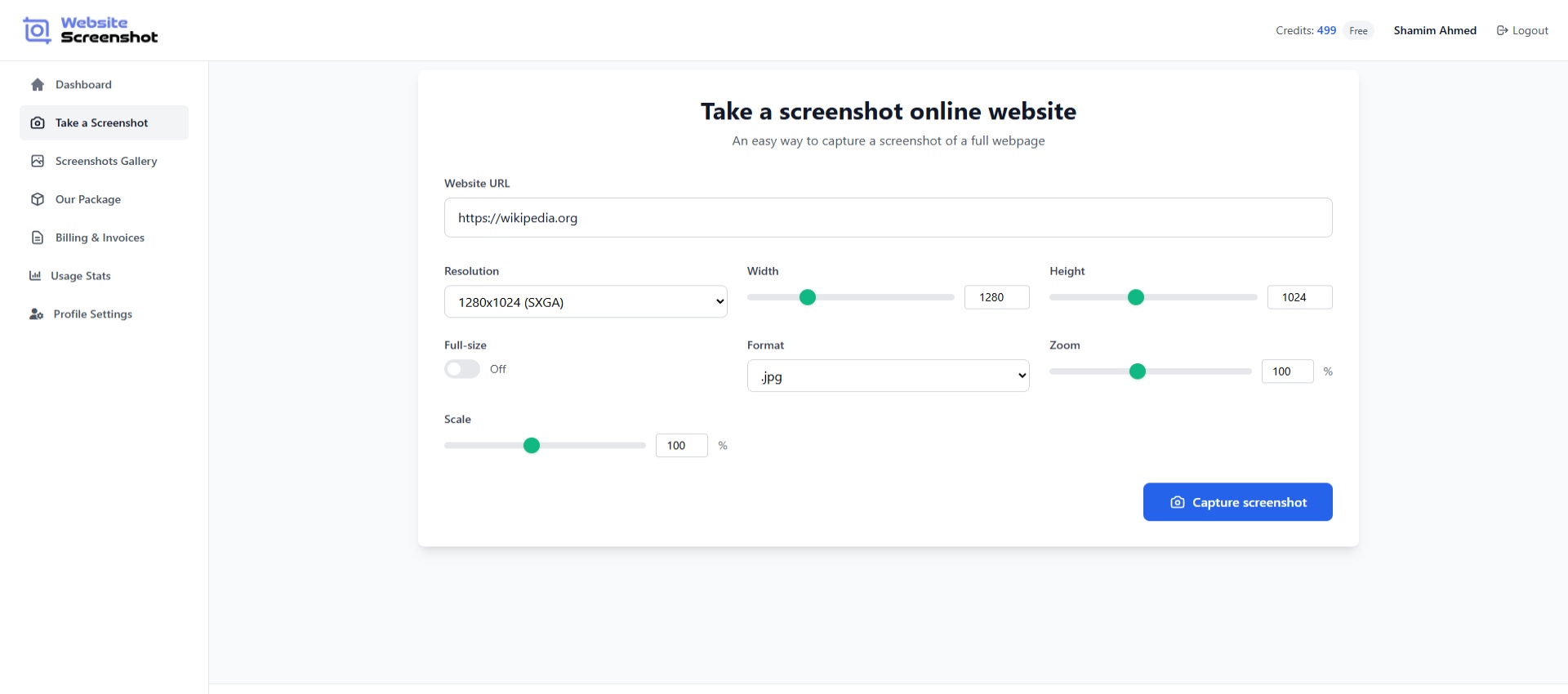
One-Click Screenshot Capture
Capture perfect screenshots with just one click. Our streamlined process makes it easy to take screenshots of any website, with customizable options for size, format, and quality.
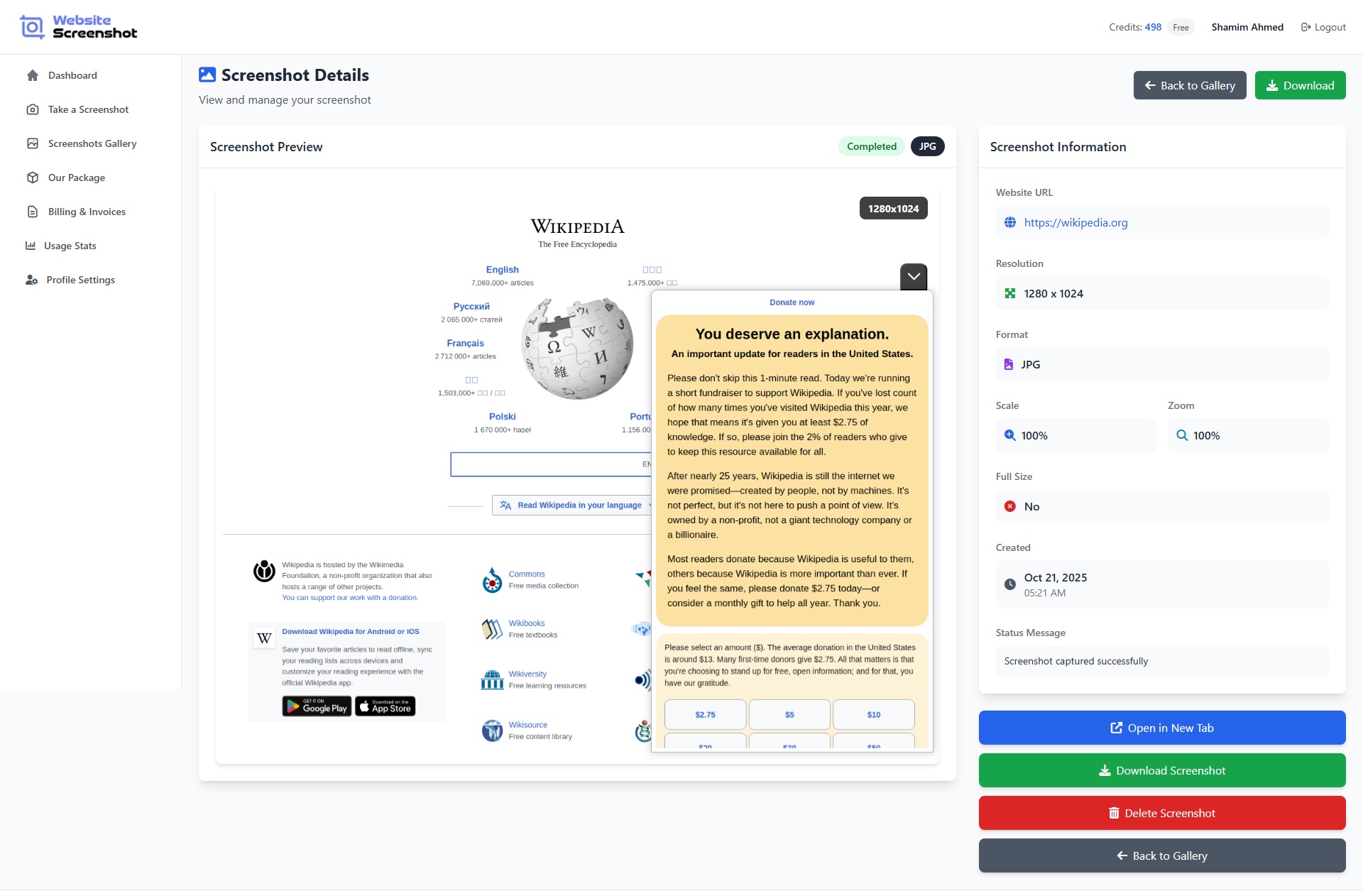
Advanced Screenshot Preview
Examine your screenshots in detail with our advanced preview tool. Zoom, pan, and inspect every pixel to ensure perfection before downloading or sharing.
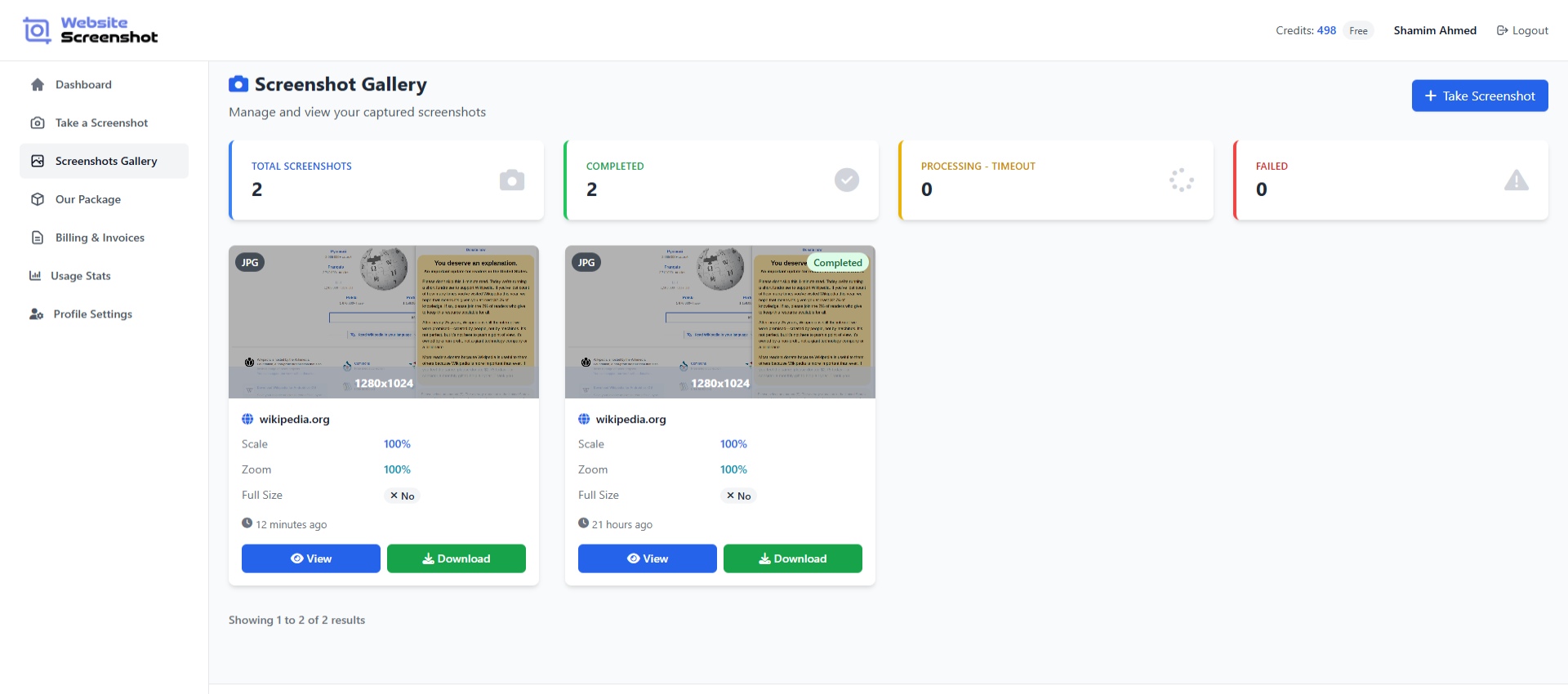
Organized Gallery
Keep your screenshots organized with our intelligent gallery system. Create collections, add tags, and search through your captures with powerful filtering options.
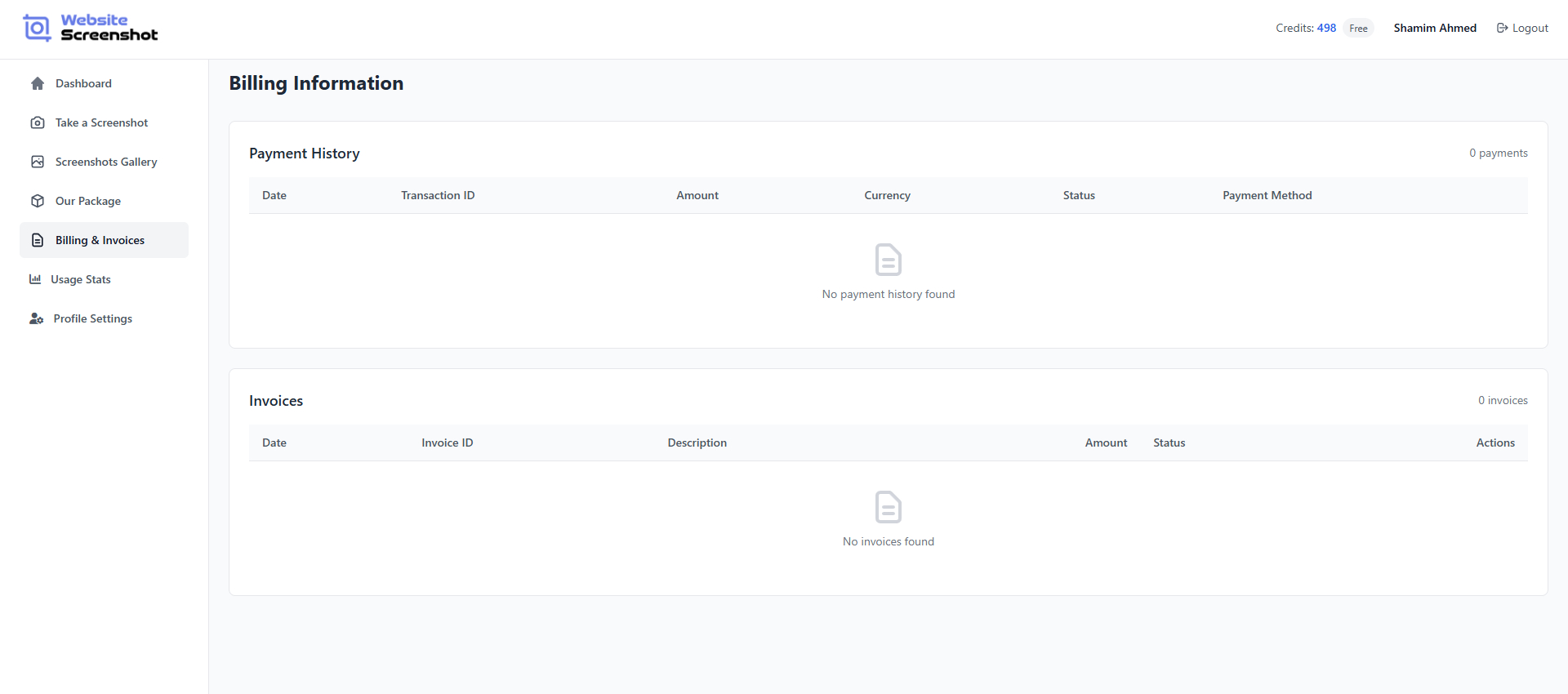
Transparent Billing
Manage your subscription and view detailed invoices with our transparent billing system. Track usage, upgrade or downgrade plans, and download receipts for your records.
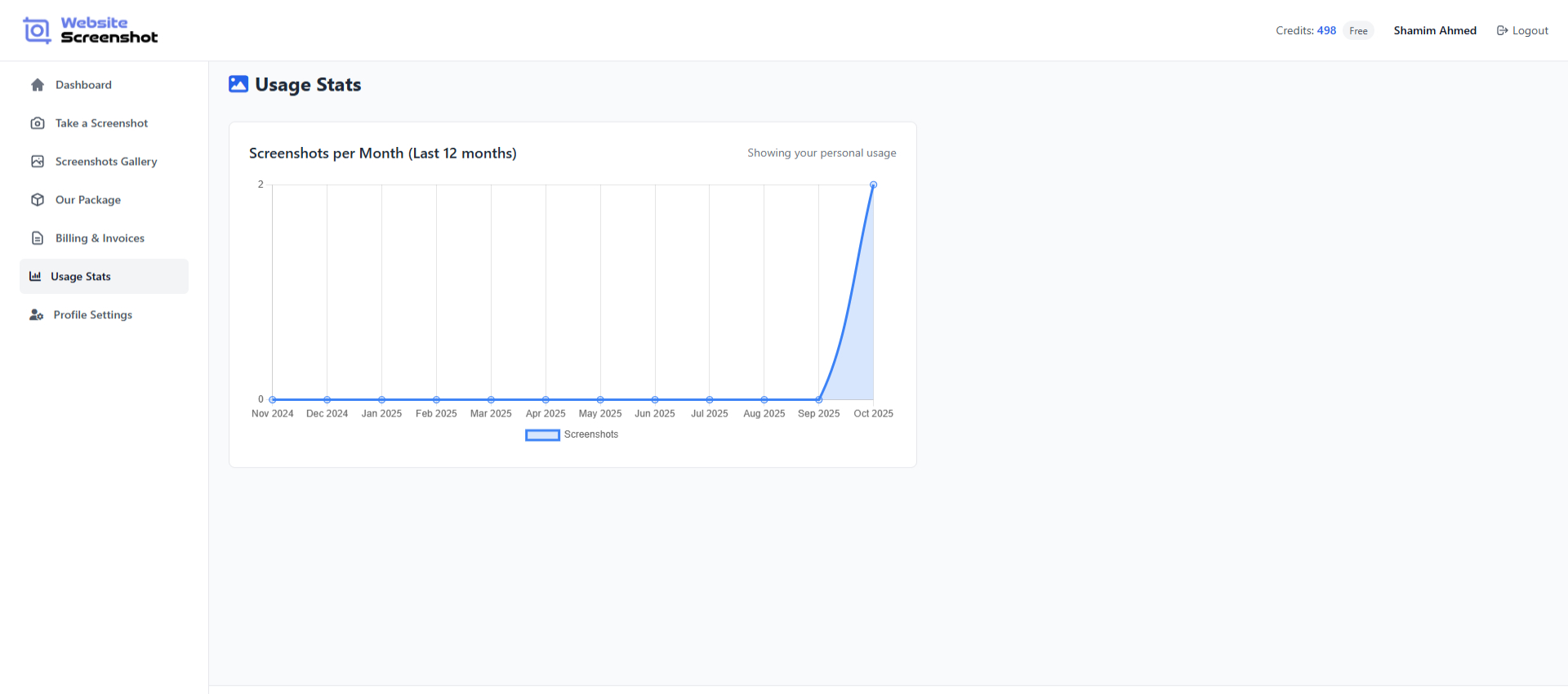
Usage Statistics
Monitor your screenshot usage with detailed statistics and analytics. Track trends, identify peak usage times, and optimize your screenshot workflow.
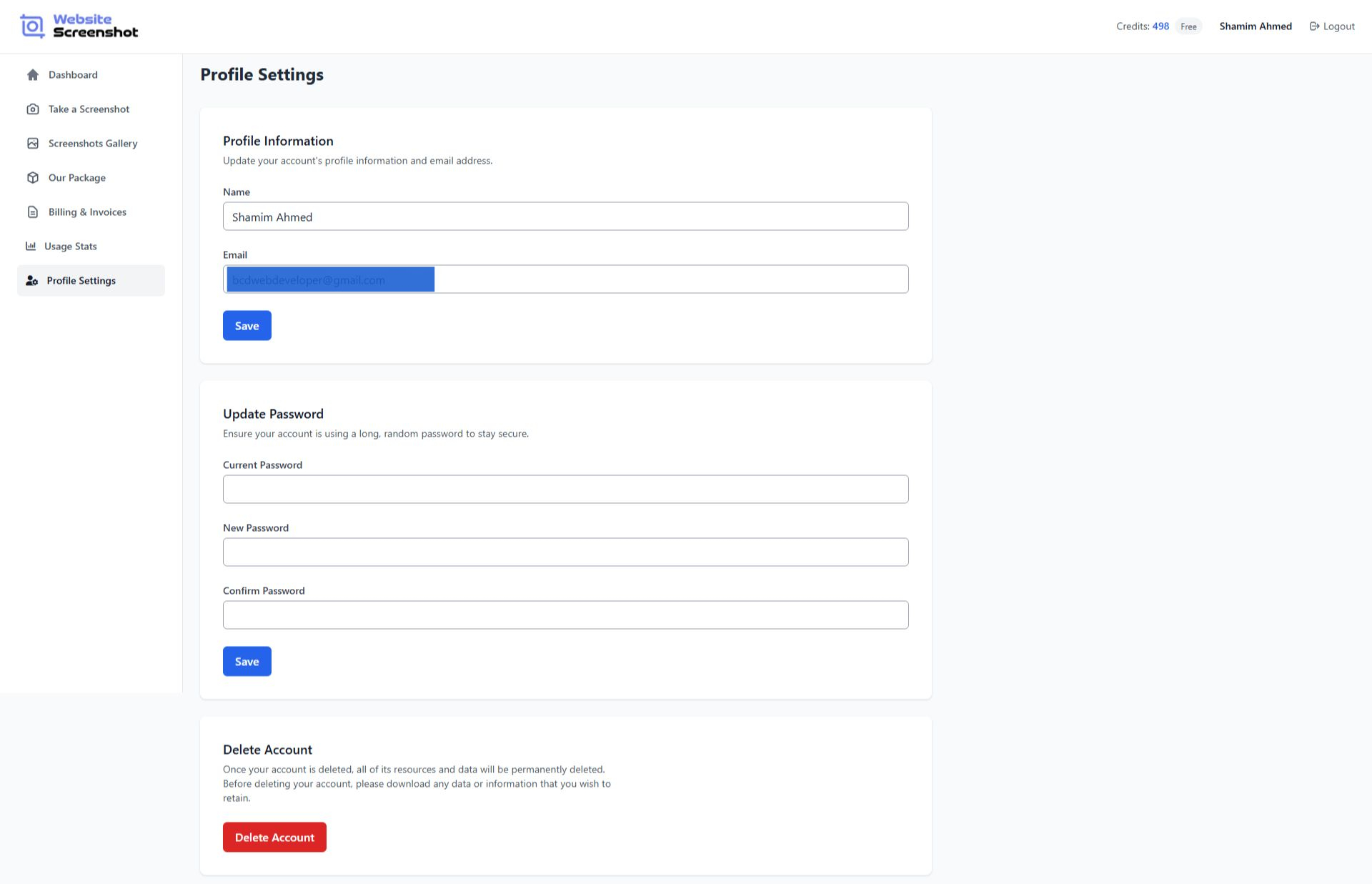
Profile Settings
Customize your account with our comprehensive profile settings. Manage preferences, security settings, and notification options all in one place.
Advanced Features
Powerful capabilities for professional users
Smart Cropping
Automatically crop screenshots to focus on specific areas or elements using AI-powered detection algorithms.
Scheduled Captures
Set up automated screenshot captures at specific intervals to monitor website changes over time.
Device Emulation
Capture screenshots as they would appear on different devices including smartphones, tablets, and desktops.
Custom Branding
Add watermarks, logos, or custom overlays to screenshots for branding and copyright protection.
Version Control
Track changes and maintain version history of screenshots with built-in version control system.
Batch Processing
Process multiple URLs simultaneously with our batch processing feature for maximum efficiency.
Feature Comparison
Compare features across our pricing plans
| Feature | Starter Free | Professional Popular | Enterprise |
|---|---|---|---|
| Screenshots per month | 100 | 5,000 | Unlimited |
| High-Quality Screenshots | |||
| API Access | |||
| Multiple Formats | PNG only | ||
| Custom Viewport | |||
| Device Emulation | |||
| Scheduled Captures | |||
| Priority Support |
Seamless Integrations
Connect with your favorite tools and platforms
Slack
Get screenshot notifications directly in your Slack channels
GitHub
Automate screenshot captures for your repositories
Zapier
Connect with 3000+ apps using Zapier automation
Discord
Share screenshots with your Discord community
Telegram
Send screenshots via Telegram bots
Webhooks
Custom webhook integrations for any platform
Ready to Get Started?
Start capturing perfect website screenshots with all these powerful features today.
Start Free Trial